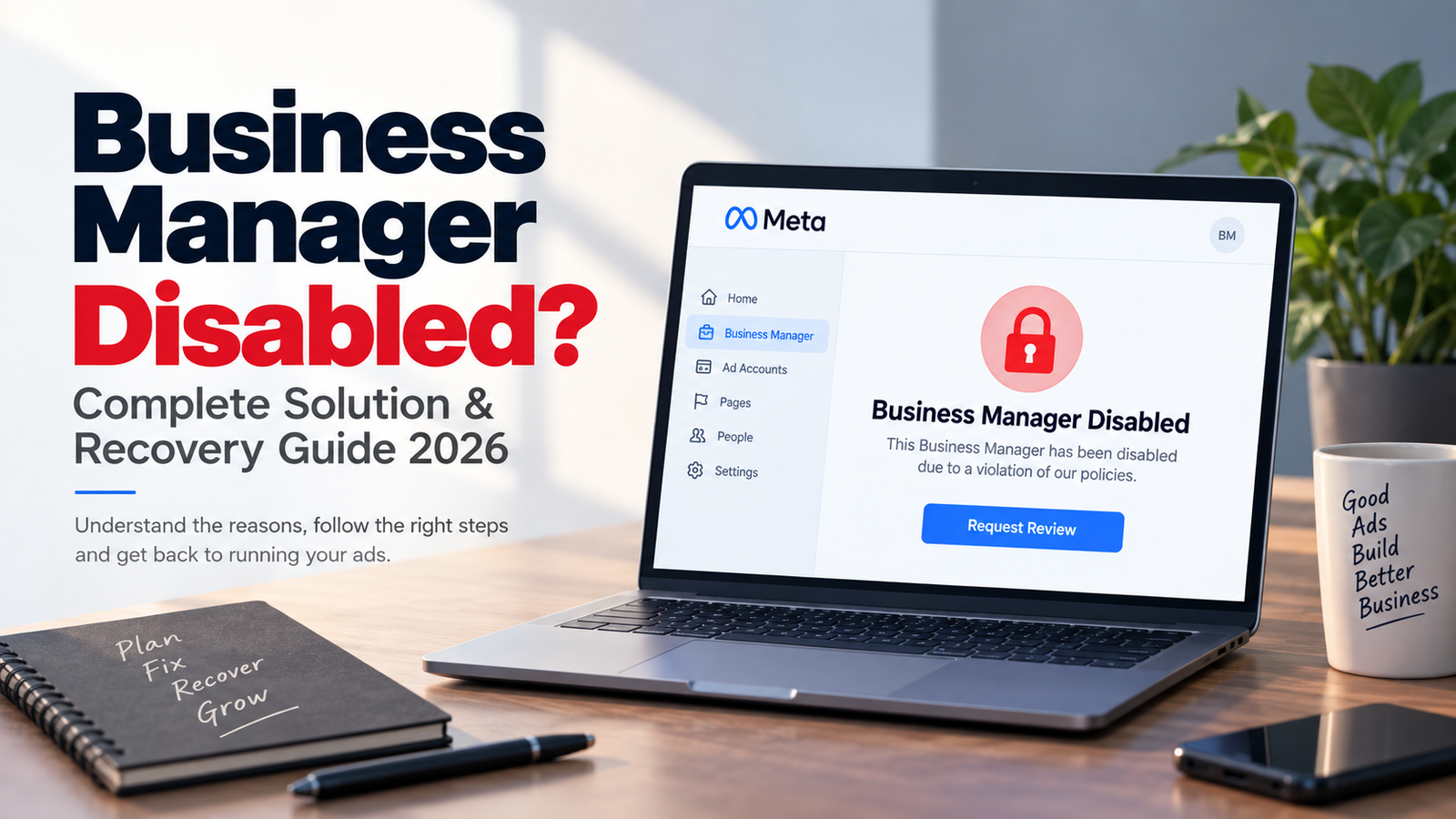
Having your Facebook Business Manager disabled can be frustrating, especially if your business depends on Meta Ads.
The first thing to understand is that a Business Manager, Ad Account, Facebook Page, and personal Facebook account can have different restrictions. So, before trying any recovery method, find out exactly what has been restricted.
Why Is Business Manager Disabled?
Some common reasons include:
- Advertising policy violations
- Suspicious account activity
- Payment or billing issues
- Compromised account
- Unknown admin or unusual access
- Business information issues
- Repeated advertising policy problems
The right solution depends on the reason for the restriction.
Business Manager Disabled Solution
1. Check Your Account Status
First, check the restriction message in your Meta Business account.
Look for messages such as Business Restricted, Ad Account Disabled, Policy Violation, Payment Issue, Security Issue, or Request Review.
2. Secure Your Account
Check your admins, users, login activity, and connected access.
Remove anything you don't recognize and enable Two-Factor Authentication to improve account security.
3. Check Payment Information
Review your payment methods, failed payments, outstanding balances, and recent transactions.
If there is a billing problem, resolve it before requesting a review.
4. Review Your Ads
Check your recent ads and landing pages for:
- Misleading claims
- Prohibited products or services
- False offers
- Inaccurate information
- Policy-related issues
Don't only edit the ad. Review the complete Ad → Landing Page → Offer experience.
5. Request a Review
If Meta provides a Request Review option, use the official review process.
Keep your appeal short, professional, and factual.
Business Manager Review Template
Hello Meta Support Team,
My Business Manager has been restricted, and I would like to request a review of the decision.
I have reviewed my recent advertising activity, business assets, account security, and payment information and have taken the necessary steps to address any potential issues.
I understand the importance of following Meta's policies and will continue to maintain compliant advertising practices.
Please review my Business Manager and let me know if any additional information or verification is required.
Thank you for your time and support.
Best Regards,
[Your Name]
What Not to Do After a Restriction
Avoid making the situation more complicated by:
- Creating multiple replacement Business Managers
- Using fake business information
- Uploading false documents
- Adding unknown admins
- Using unauthorized payment methods
- Submitting the same appeal repeatedly
- Trying to bypass the restriction
Focus on fixing the original issue instead of trying random recovery tricks.
Can a Disabled Business Manager Be Recovered?
A restricted Business Manager may be restored through the available review process when the underlying issue can be resolved. However, there is no legitimate 100% guaranteed recovery method.
The outcome depends on the restriction reason, account history, policy compliance, and Meta's review process.
Final Thoughts
If your Business Manager is disabled, don't panic and don't immediately create new accounts.
Follow a simple process:
Check the reason → Secure the account → Check payments → Review ads → Fix genuine issues → Request a review.
A secure account, accurate business information, proper access management, and policy-compliant advertising are the best foundation for long-term Meta Ads access.
Last Updated: September 2026
Disclaimer: This article is for educational purposes only. Meta policies, enforcement systems, and review processes may change over time. No third party can guarantee Business Manager recovery.